A Kids tab with approval
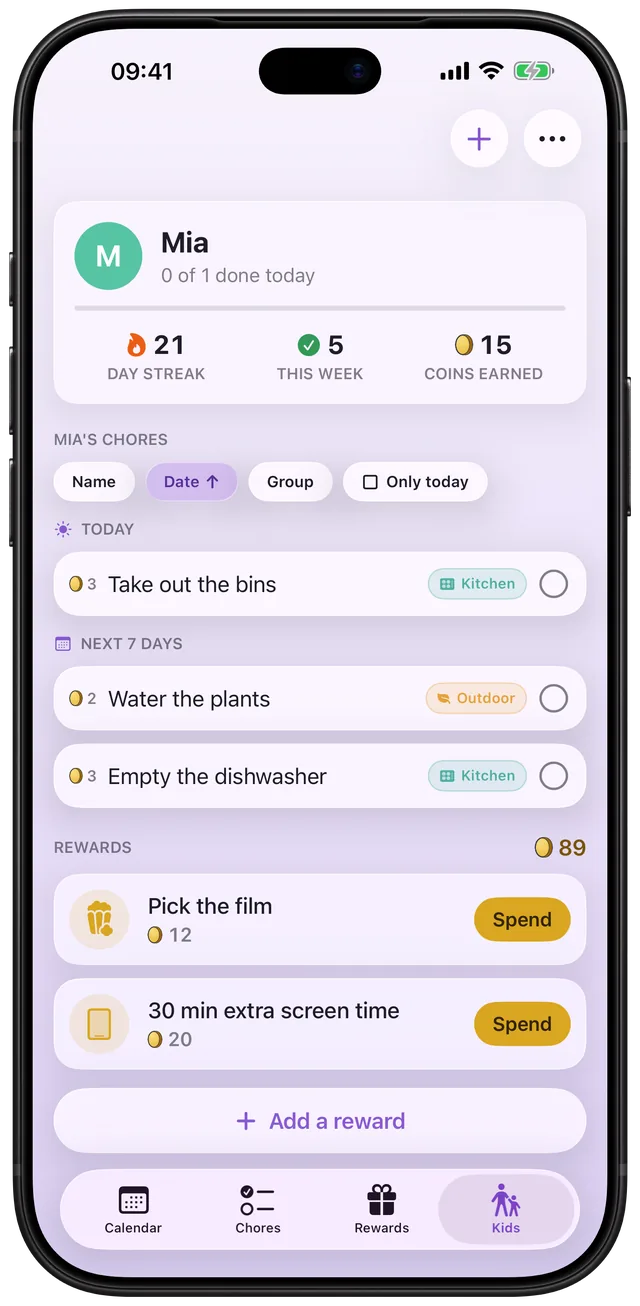
Once someone in your family is marked a kid, Choru adds a Kids tab: their chores, streak, coins and rewards in one place. Switch on approval and their ticks wait for a grown-up's OK before any coin lands.
 Choru is an iPhone appPoint your iPhone camera at the code to install it.
or text me the link
What the Kids tab does
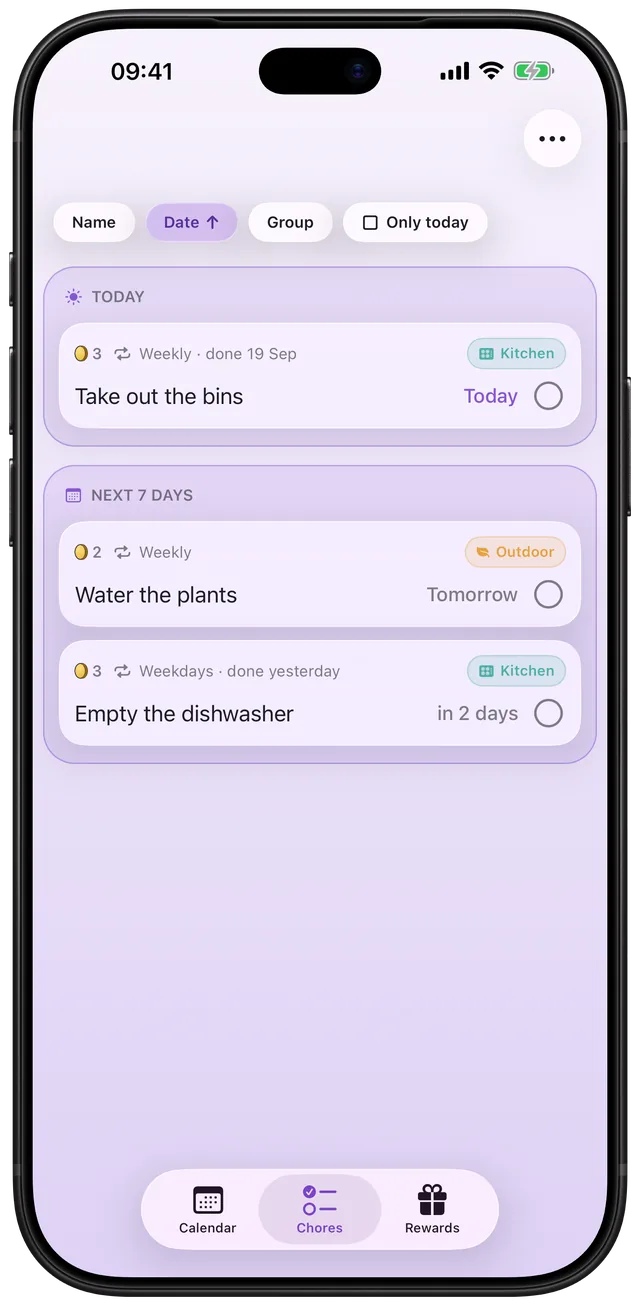
The Kids tab is the grown-ups' view of each child's list. It shows how today is going, the day streak, the ticks made this week, the coins earned, then the chores and the rewards with the coin balance. You can edit all of it from any grown-up's phone. Approval is an option per kid: when it is on, a tick from that child waits in a "To check off" list until you approve it.
The built-in Clock app is good at what it does: alarms and timers that ring at a set time. It has no idea who did a chore, so it cannot hold a child's coins, count a streak or ask a parent whether the bins really went out. Choru keeps a separate list per child and lets a grown-up be the one who says yes. For the general idea of coins and a chart, see the chore chart for kids with rewards guide.
How it works in the app
- In Settings, open Family and add your people. The owner of the household uses the Kids row to tick who is a kid. The Kids tab then appears on grown-up phones.
- Still in Family, use the Need a grown-up's OK row to tick which kids need approval. It only shows once at least one kid exists, and it is off for every kid until you tick it.
- Open the Kids tab. Tap + to add a chore for that child, or open one of your own chores and set For to the child. With more than one kid, a row of names at the top switches between them.
- The child ticks chores on their own phone. With approval on, that tick shows as waiting and pays no coins.
- On your phone the Kids tab carries a red number for the ticks waiting. Open it and look under To check off, grouped by day, oldest first.
- Tap the green check (Approve) and the coins land. Tap the grey cross (Not yet) and the tick is removed, so the chore is owed again.
Approval can also be done late. Nothing is approved automatically, so a tick waits as long as it needs to, and approving it on a later day still lights the day it belongs to. While a tick waits, that day is not counted as missed, but it does not earn the day's flame either.
Every option
| Setting | Where | What it does |
|---|---|---|
| Kids | Settings, Family | Marks a person as a kid. Only the owner sets it. A kid's phone shows only their own chores and rewards. |
| Need a grown-up's OK | Settings, Family | Per kid, off by default. Any grown-up can set it, because any grown-up can approve. |
| Kid mode on this phone | Settings, Family | Locks the phone down to ticking and spending coins. The first time, you choose a four-digit PIN; after that, turning it on is one tap and the PIN is needed to leave it. |
| Sort | Kids tab | Name, Date or Group, plus an Only today checkbox. The tab remembers its own choice. |
| Rewards | Kids tab | Add a reward with a price you set, spend coins for the child after a confirmation, mark a claimed reward as used, open the spending history. |
A family holds five people at most. The PIN is a speed bump for a child, not real security, so treat it that way. Choru is paid: a yearly plan that starts with a free trial, or a one-time lifetime unlock. Kids, approval and kid mode are all included, and one plan in the family covers everyone. When you tick a chore yourself from a child's list, it lands already approved and Choru asks who did it: the kid, you, or together. For the coins side, see Coins and rewards you pick.
When to use it
A new chore chart for a young child
Turn approval on. Your six-year-old ticks the bins as done, you glance at the bins, and you approve. The coins mean something because someone checked.
An older child you trust
Leave approval off. Ticks pay at once, and you still see the streak and the week at a glance on the Kids tab without chasing anyone.
Two kids, one grown-up on duty
Switch between the kids with the name row at the top. Each child has their own coins and rewards. Pair it with sharing the household with up to five people so both parents see the same queue.
A parent who ticks for them
When you do the job yourself from the child's list, the tick is already approved and Choru asks who did it. That keeps the coins honest without a second trip through the queue.
Checking in the evening
Choru's daily summary can say that your kids' chores are waiting for you to check off. It says only how sure it is, never a name or a count. The number on the Kids tab has the count.
What it does not do
- No auto-approval. A waiting tick stays until a grown-up answers. There is no timer that approves it.
- No photo proof. Approval is a yes or a not yet. You decide from what you saw.
- No reason with a rejection. Not yet removes the tick and the chore is owed again. There is no message to the child.
- Not for kids to approve each other. Nothing shows on a kid's own phone, and the Kids tab never appears there.
- It is not free. Choru needs a plan: yearly with a free trial, or a one-time lifetime unlock. One plan covers the whole family.
Missed chores and streaks work the same way here as on your own list. See missed chores carry over as one row.
Frequently asked questions
What is a chore approval app for parents?
It is an app where a child ticks a chore and a parent confirms it before the reward counts. In Choru you switch this on per kid under Settings, Family, Need a grown-up's OK. The tick waits in the Kids tab under To check off until you approve it or tap Not yet.
Is there a free chore tracker app for kids on iPhone?
Choru is not free, but you can try it: the yearly plan starts with a free trial, and there is also a one-time lifetime unlock. The Kids tab, approval and kid mode are included, and one plan covers everyone in the family. Check the app's paywall for current prices.
Do coins count before I approve a chore?
No. With approval on, a waiting tick pays no coins and does not light the day's flame. The coins land when you tap Approve, and approving on a later day still counts for the day the chore was done.
Can my child see the other kids' chores?
No. A kid's phone shows only their own chores and rewards, and the Kids tab does not appear there. Grown-ups see every kid from the Kids tab and switch between them by name.
What happens when I tap Not yet?
Choru removes that tick and the chore is owed again, which is what the child's own list then shows. Nothing is sent to the child, so tell them yourself if you want to explain.
Sources
Give each kid their own list
Get Choru on the App StoreMore features
Anytime tasks that come back later
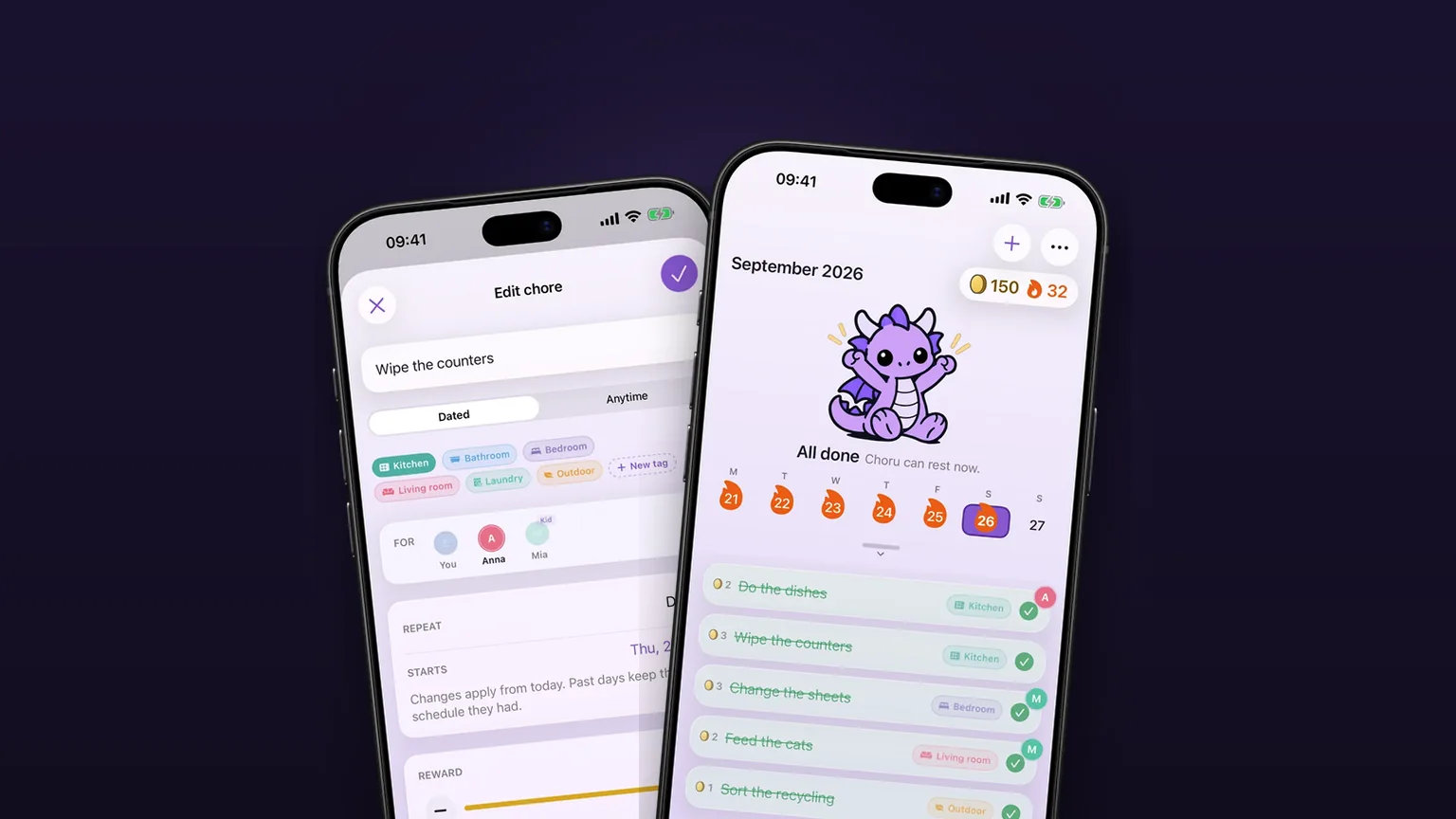
Jobs with no fixed date come back 1, 3, 6 or 12 months after you tick them off.
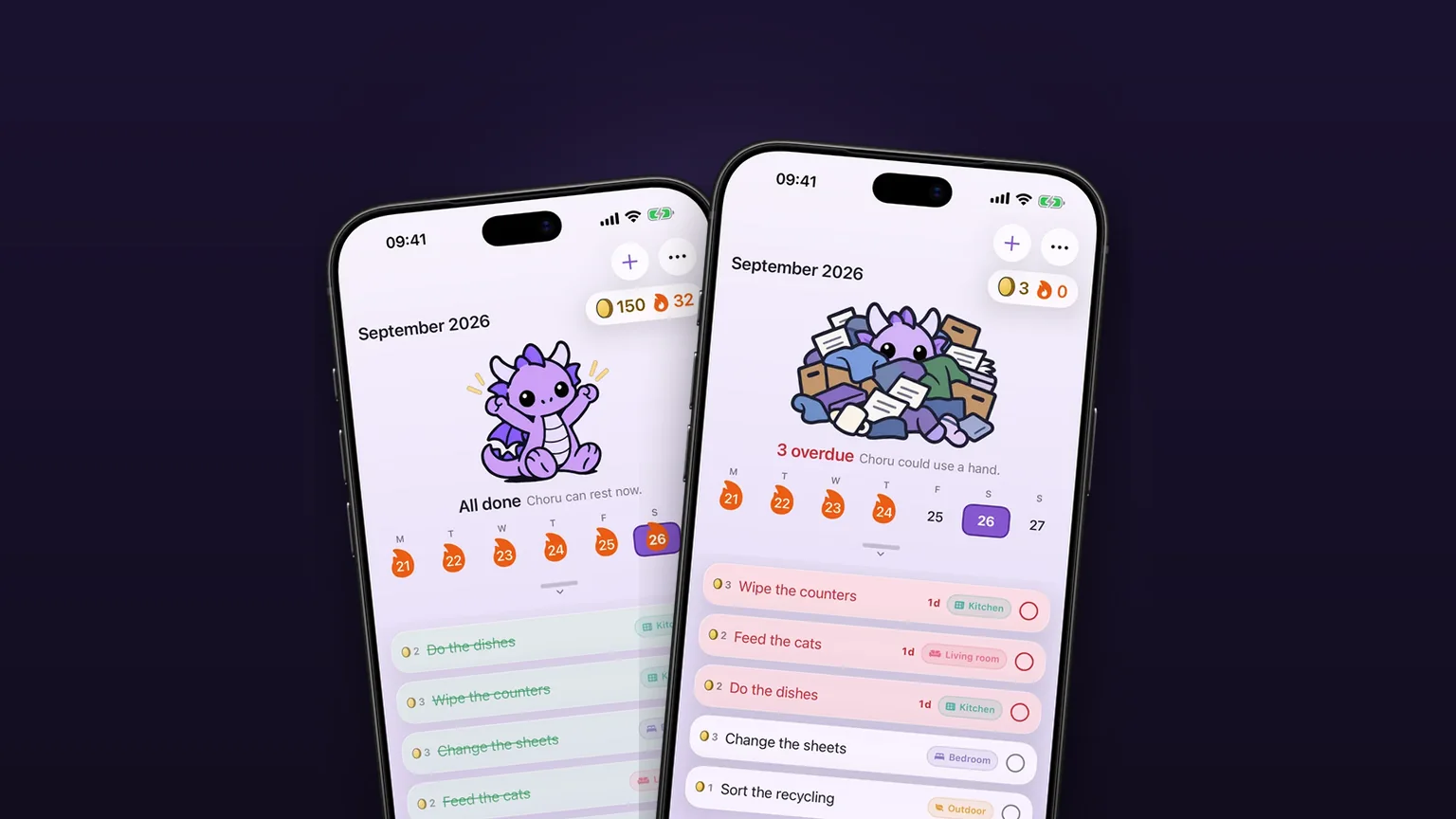
A chore calendar that shows what is due
A week calendar with the day's chores under it, and a month you can pull down to.
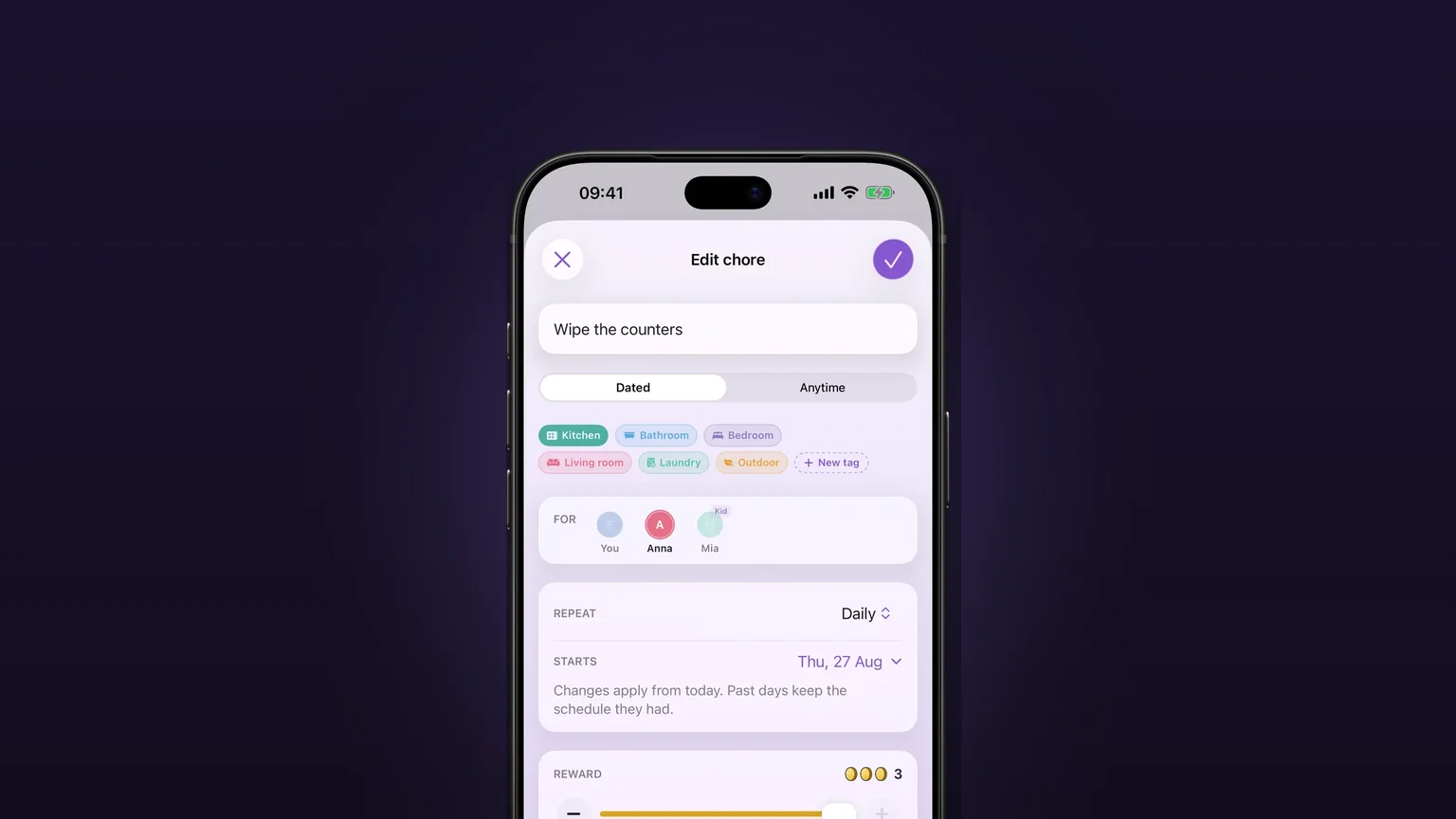
Repeats that fit real chores
Daily, on set weekdays, weekly, monthly, quarterly, or every few days, weeks, months or years, with past days left alone when you change a schedule.