Anytime tasks that come back later
Some jobs never get a due date: the oven, the windows, the wardrobe. In Choru you tick them off whenever you get to them, and they return on their own a month to a year later.
 Choru is an iPhone appPoint your iPhone camera at the code to install it.
or text me the link
What anytime tasks do
An anytime task is a chore with no date. It sits on your Chores tab until you have a free hour, you tick it off, and it stays ticked. If you gave it a repeat, it comes back unticked after the gap you chose: 1 month, 3 months, 6 months or 1 year after the tick.
A deep-clean job such as "descale the kettle" has no natural day, and you do not want to be told you are late. Choru counts the gap from the day you actually did the job, so the schedule follows your real life, not a date you guessed months ago.
An anytime task is never overdue. When it comes back it is simply open again, never late. It cannot bury your list in red or break a streak. For dated chores that repeat on a calendar, see Repeats that fit real chores.
How it works in the app
- Open the Chores tab and tap +.
- Type a title, for example "Clean the oven". Under the title, switch the segmented control from Dated to Anytime. The editor title changes to "New anytime task" and the schedule card is replaced by a Repeat picker.
- Optionally pick a tag such as Kitchen, and set the coin reward. A caption under the picker says exactly what will happen, for example "Comes back unticked 3 months after you tick it off."
- Tap the checkmark to save. The task appears in the Anytime group at the bottom of the Chores tab, or inside its tag's group when you sort by Group, marked with a sparkle where a dated chore shows its repeat symbol.
- When you do the job, tap the circle on its card. The card shows the title struck through, a green tick, and "Back" with the date it returns, for example "Back 11 Dec".
- Do nothing more. Choru checks when the app opens and again at midnight, and the task is open again on the morning it is due.
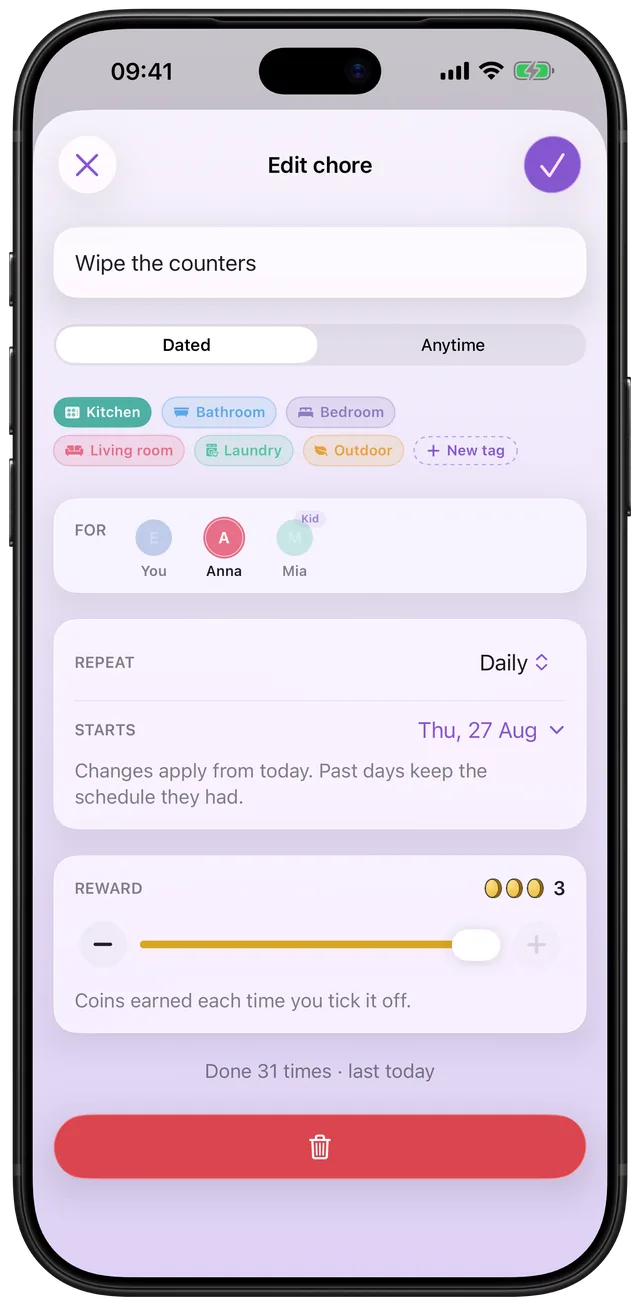
The card also shows when you last did it, for example "Every 3 months · done 5 Jun", and that last-done date stays after the task comes back.
Every option
| Setting | Choices | What happens |
|---|---|---|
| Repeat | Does not repeat | Stays done once you tick it |
| Repeat | Monthly | Back 1 month after the tick |
| Repeat | Every 3 months | Back 3 months after the tick |
| Repeat | Every 6 months | Back 6 months after the tick |
| Repeat | Yearly | Back 1 year after the tick |
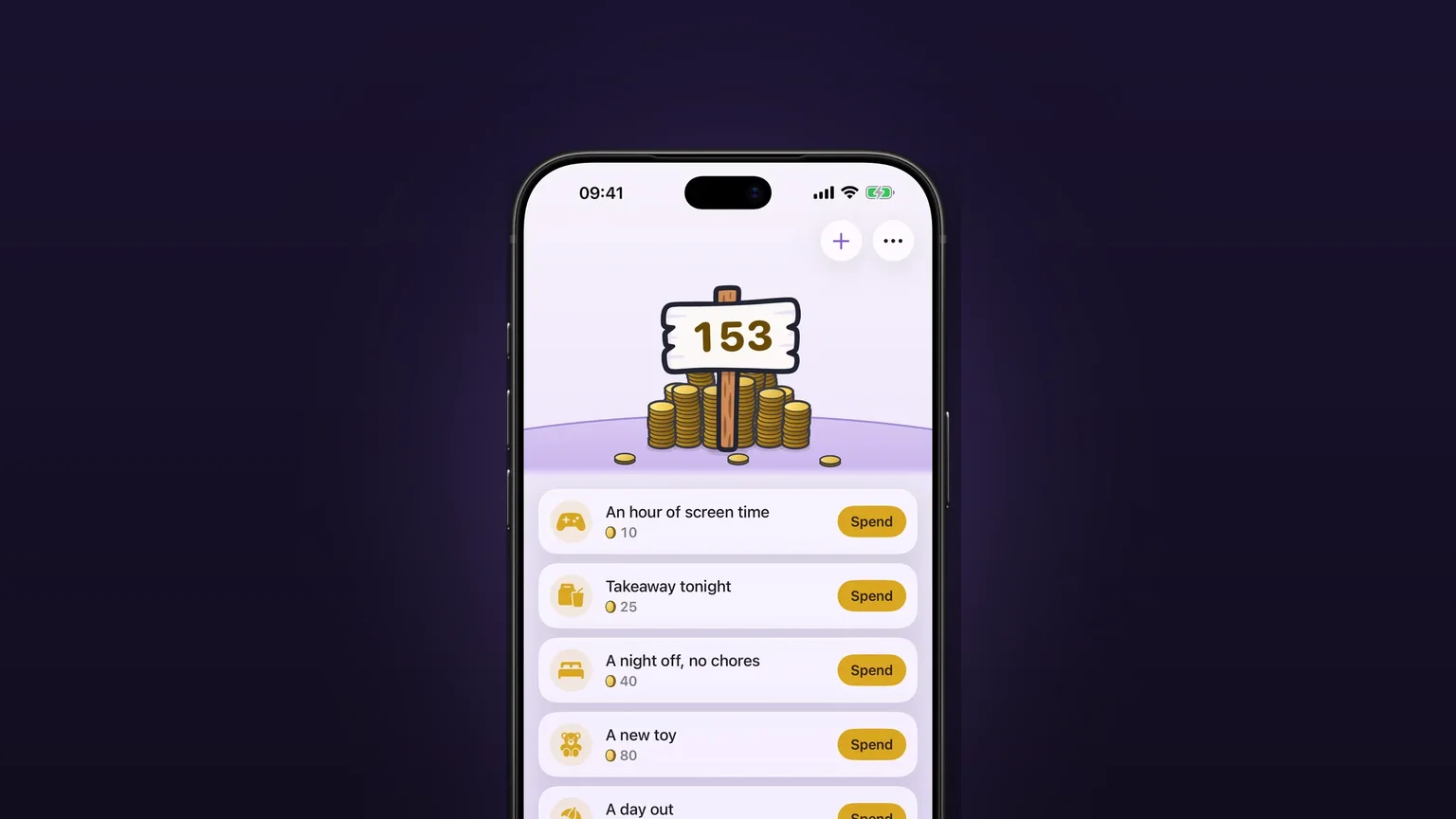
| Coins | 1 to 3 | Paid on every tick, and every past tick keeps its coins |
| Tag | One tag per task | Files the card in that tag's group when the list is sorted by Group |
Those five repeat choices are the whole list. There is no custom interval, no weekday and no date field. Coins feed the same purse as dated chores, which the chore chart for kids with rewards guide explains.
A few more details. An anytime task can be made on a kid's phone and stays on that kid's list. In kid mode the coin card and the Delete button are hidden, so only a grown-up reprices or removes a task. Swipe a card left, or open it and tap the trash button, to delete. If it has already paid coins, it leaves your list but those coins stay in the purse. Editing a task also shows a Dated | Anytime switch, so a grown-up can turn an anytime task into a dated chore, and a dated chore can become an anytime task from its own editor.
When to use it
Deep cleaning that happens in bursts
Oven, fridge, windows, behind the sofa. Add each as a quarterly or six-monthly anytime task, tag it by room, and tick them as you get round to them. The deep cleaning schedule guide shows how to split these jobs across a year.
Jobs you do when you have a free hour
When today's list is cleared, Choru offers a link: "Got a free moment? Add an anytime task", or "Want to do more?" with the number of anytime tasks waiting. It takes you straight to the list.
Yearly household admin
Clear out the gutters, swap the winter clothes, check the smoke alarm batteries. A yearly gap counted from the tick means a job done late this year comes back a full year after, not a few weeks later.
One-off projects
"Sort out the wardrobe" or "clear the loft" are jobs you do once. Leave Repeat on Does not repeat and it stays ticked as a small record of what you got through.
Chores for the kids' bigger jobs
A bedroom tidy-up every month earns coins without a due date to argue about. Pair it with the chore chart for kids with rewards guide.
Limits
- No fixed date. The gap counts from the tick. If you need the oven cleaned on a set date every quarter, use a dated chore set to Quarterly instead. See the options table.
- Only five gaps. No "every 2 months" and no custom interval.
- It does not nag. The code that brings a task back only unticks it. It is not scheduled for a day, so nothing marks it as due.
- Back at midnight, not at a time. The return date is the start of that day.
- Whole months. The gap is measured in calendar months from the tick day, not in days.
- No free version. Choru launched with a paywall: a yearly plan with a 7-day trial, or a one-time lifetime purchase. Ticking tasks needs the plan or the trial.
Frequently asked questions
What is a deep cleaning schedule app for?
It keeps track of big jobs that do not happen every week. In Choru, an anytime task such as cleaning the oven comes back 1, 3, 6 or 12 months after you tick it, so the list refills itself.
Can I have chores with no due date?
Yes. Switch a new item from Dated to Anytime. It has no date, never goes overdue and does not break a streak. It sits on your Chores tab until you tick it.
How does the house cleaning checklist come back later?
You pick Monthly, Every 3 months, Every 6 months or Yearly. Choru counts from the day you tick the task and unticks it when the gap has passed, checked at launch and at midnight.
Is there an occasional chores tracker with a custom interval?
Not for anytime tasks. The choices are Does not repeat, Monthly, Every 3 months, Every 6 months and Yearly. For a rhythm like every 2 weeks, use a dated chore instead.
Do I keep my coins when the task comes back?
Yes. Each finished cycle is saved with its coins before the task is unticked, so earnings stay in the purse. Deleting a task that has paid coins also keeps them.
Is Choru a free house cleaning schedule app?
No. Choru has no free version: a yearly plan with a 7-day trial, or a one-time lifetime purchase. Ticking tasks needs one of them.
Sources
Put the oven on a 3-month loop
Get Choru on the App StoreMore features
A chore calendar that shows what is due
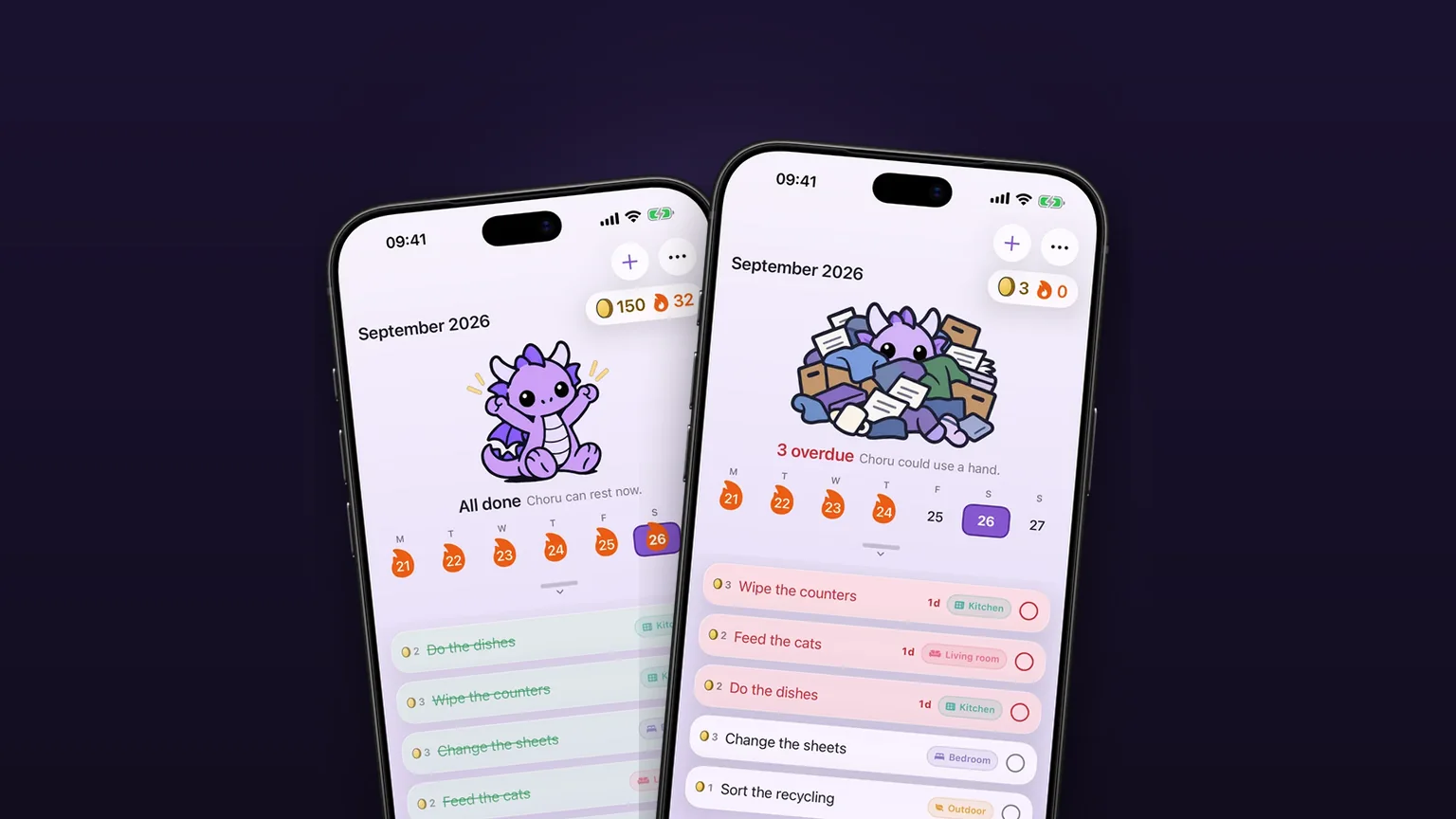
A week calendar with the day's chores under it, and a month you can pull down to.
Repeats that fit real chores
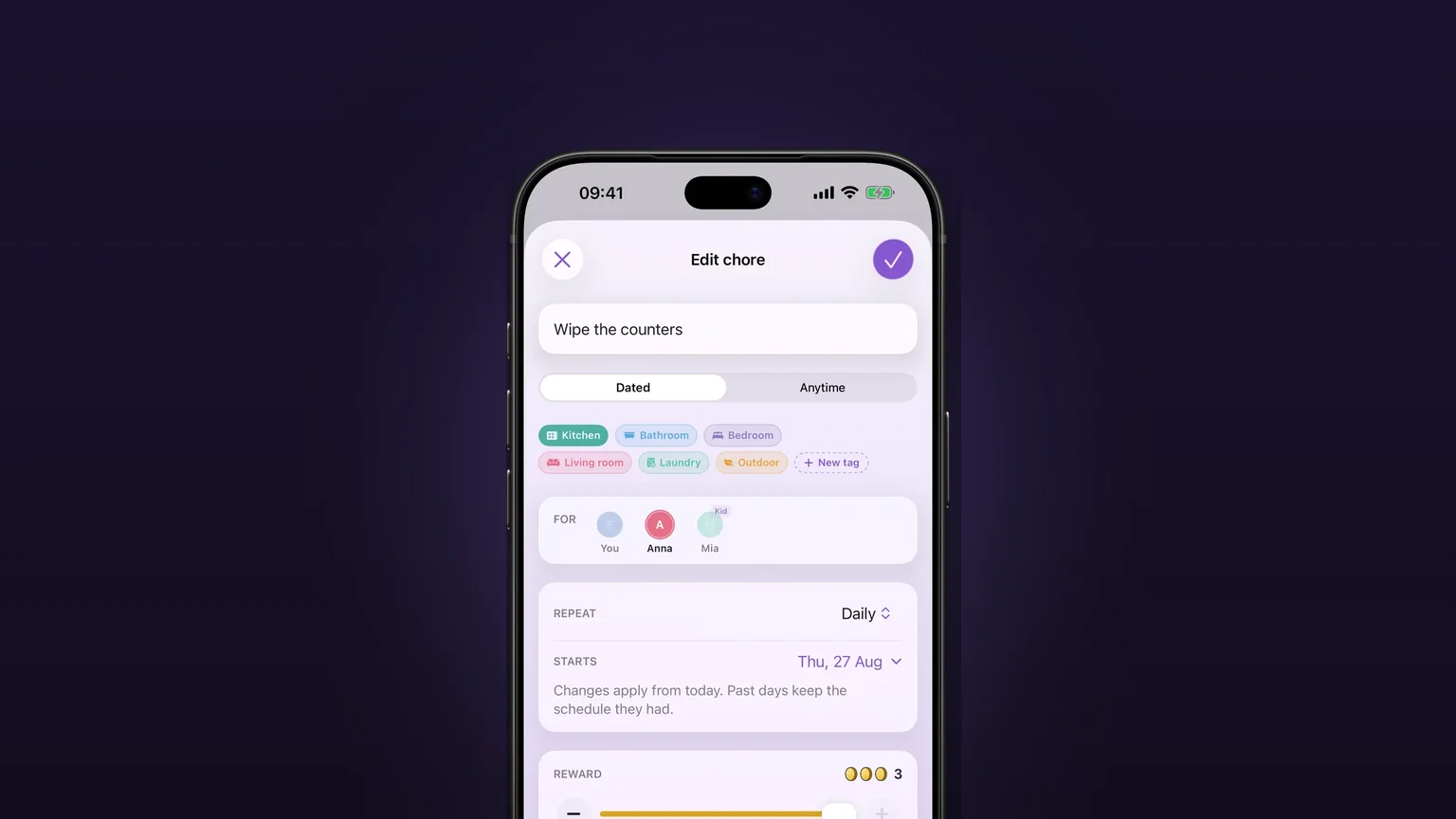
Daily, on set weekdays, weekly, monthly, quarterly, or every few days, weeks, months or years, with past days left alone when you change a schedule.
Coins and rewards you pick
Every chore pays 1 to 3 coins, and you write the rewards, set their prices and spend the coins.