Share the household with up to five people
One person starts a family in Choru and shows a QR code. Everyone else scans it and joins the same chore list, up to five people in all.
 Choru is an iPhone appPoint your iPhone camera at the code to install it.
or text me the link
What family sharing does
Choru lets up to five people share one household on their own iPhones. One person starts the family and shows a QR code in Settings. Each other person scans it with Choru and joins the same chores, with their own name and colour. The list is stored in iCloud, so there is no separate Choru account to make.
The Clock app works well for a time of day on one phone, and an alarm there belongs to that phone alone. A household chore needs the opposite: one list that several people see, tick and get credit for. That is what the family adds, with a name on every tick so the house can see who did what.
How it works, step by step
The person who starts the family:
- Open Settings and find the Family section. With nobody in it yet, you see Start a family and Join a family.
- Tap Start a family. Choru asks for your name first, because it keeps score by name.
- Wait while Choru prepares the family in iCloud. Then it offers a four digit PIN for grown-ups, which you can skip with Not now. It is used on kids' phones, see a chore chart for kids with rewards.
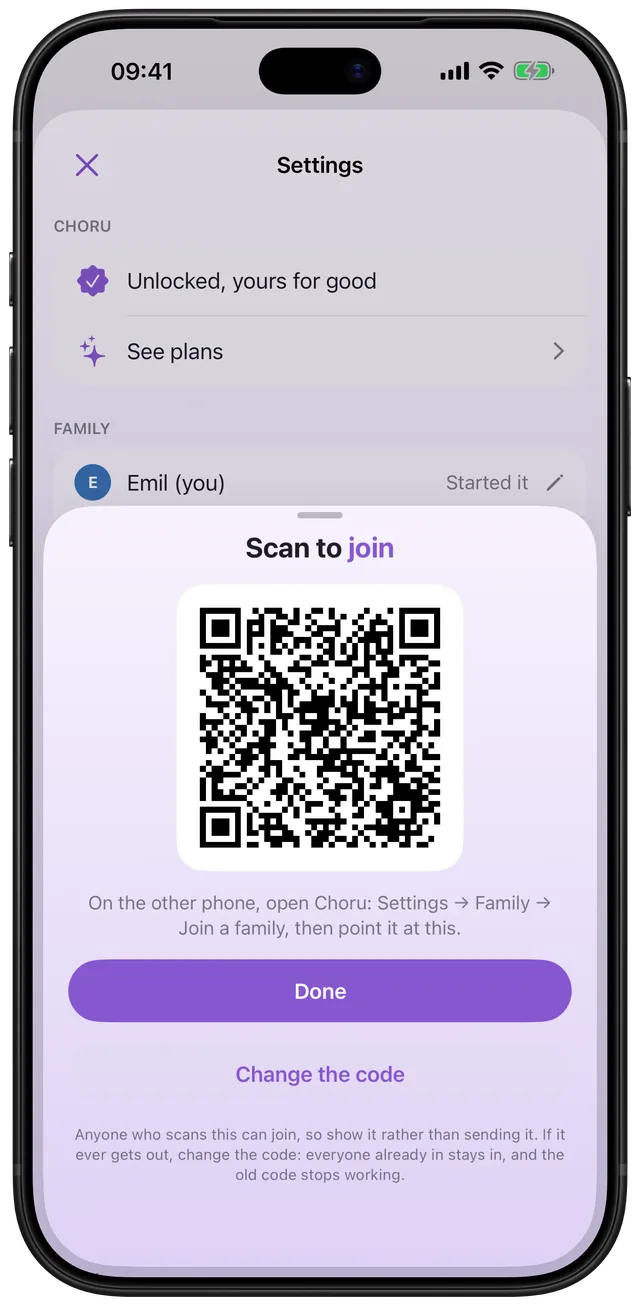
- A panel titled Scan to join shows the QR code. Keep it open.
Everyone else:
- Open Choru. On a new phone, tap Join a family on the first screen. On a phone already in use, go to Settings, Family, Join a family.
- Point the camera at the QR code. Allow camera access if Choru asks. If it was refused, Choru shows a button to the iOS settings.
- Choru asks Join this family? and says that your chores, ticks and coins come with you and that you can leave at any time and keep everything. Tap Join.
- Give your name if Choru cannot tell who you are. It matches your Apple Account first, so a reinstall or a new phone claims the person you already were instead of adding a second one.
Once a family exists, the Family section shows Show the family code instead. Anyone in the family can open it to invite the next person. For the wider picture of sharing a list, read how to share a chore list with family on iPhone.
Options and variations
| Setting | What it does | Who can use it |
|---|---|---|
| Start a family | Makes the family and the QR code | Needs the trial or the unlock |
| Join a family | Scans a code and joins after you confirm | Anyone with the code |
| Show the family code | Shows the same QR code again | Anyone in the family |
| Change the code | Makes a new code, and the old one stops working at once | The person who started the family |
| Name and colour | Renames a person or changes their colour | You for yourself, the starter for others |
| Remove from family | Takes a person out | The starter |
| Kids | Marks people as kids, with their own list | The starter |
| All chores on my day | Counts other grown-ups' chores on your day | Each grown-up, on their own phone |
Changing the code does not remove anyone. People already in stay in. Only a stale QR code stops working, and the scanner tells the person that the code has been changed. A bare iCloud link does not open a family either. Choru only accepts its own code.
Kids are members too. A kid has their own list and rewards, set up from the Kids tab. How coins and rewards work is covered in a chore chart for kids with rewards.
When it is the right tool
Two adults, one flat
You and your partner both tick chores on your own phones and see the same list. The steps for dividing the jobs are in how to split chores with a partner.
A family with kids
Each child joins by scanning the code on their own phone. Mark them as a kid and they see only their own chores and rewards. The reward side is in a chore chart for kids with rewards.
A house with a flatmate or a grown-up child
Anyone can join with the code, and any grown-up can show it. When someone moves out, the starter removes them, and their past ticks and coins stay in the history.
A new phone or a reinstall
Scan the code again. Because Choru matches your Apple Account, you are the same person as before, not a second you.
A code that ended up somewhere it should not
Open Show the family code as the starter and tap Change the code. Confirm, and the old code is dead while the family carries on.
What it does not do
- Five people at most. A full family shows a message instead of a code: "Your family is full: 5 people is the most a family can have. Remove someone to make room for someone new." A scan of a full family is refused too.
- No link to send. The code is shown on screen and scanned in person. It never expires on its own, so change it if it gets out.
- Everyone needs iCloud. A phone not signed in to iCloud cannot make the invite and is told to sign in first.
- Only the starter manages the people. Removing, renaming others and marking kids belong to the person who started the family. That person cannot be removed.
- It needs a plan. Choru has no free version. Starting a family needs the trial or the unlock. If someone in the family holds a plan, the family phones are covered. If the last plan lapses, they lock again.
- Choru runs on iPhone with iOS 26.5 or later.
This is separate from Apple's own Family Sharing, which shares eligible app purchases and other content in an Apple family group. A Choru family is joined by its own QR code.
Frequently asked questions
Is there a shared family chore app for iPhone?
Yes. In Choru, one person starts a family in Settings and shows a QR code, and the others scan it on their own iPhones. Everyone then ticks chores on the same list, with a name on each tick.
How do I share Choru with my family?
Open Settings, then Family, and tap Start a family. Enter your name, wait for the invite, and show the QR code. Each person taps Join a family, scans it and confirms with Join.
How many people can join a family in Choru?
Up to five, counting the person who started it. When the family is full, Choru shows no code and says that 5 people is the most a family can have. Remove someone to make room.
Can I use a chore app for couples?
Yes. A couple is simply a family of two. Both of you scan once, then see the same chores and who did them. By default another grown-up's chores do not count on your day, and you can switch that on.
What if the family code is shared with the wrong person?
The person who started the family opens Show the family code and taps Change the code. The old code stops working right away, and everyone already in the family stays in.
Does it cost anything to share?
Choru has no free version. Starting a family needs the trial or the unlock. Someone in the family holding a plan also covers the other phones in it.
Sources
Start a family in Choru
Get Choru on the App StoreMore features
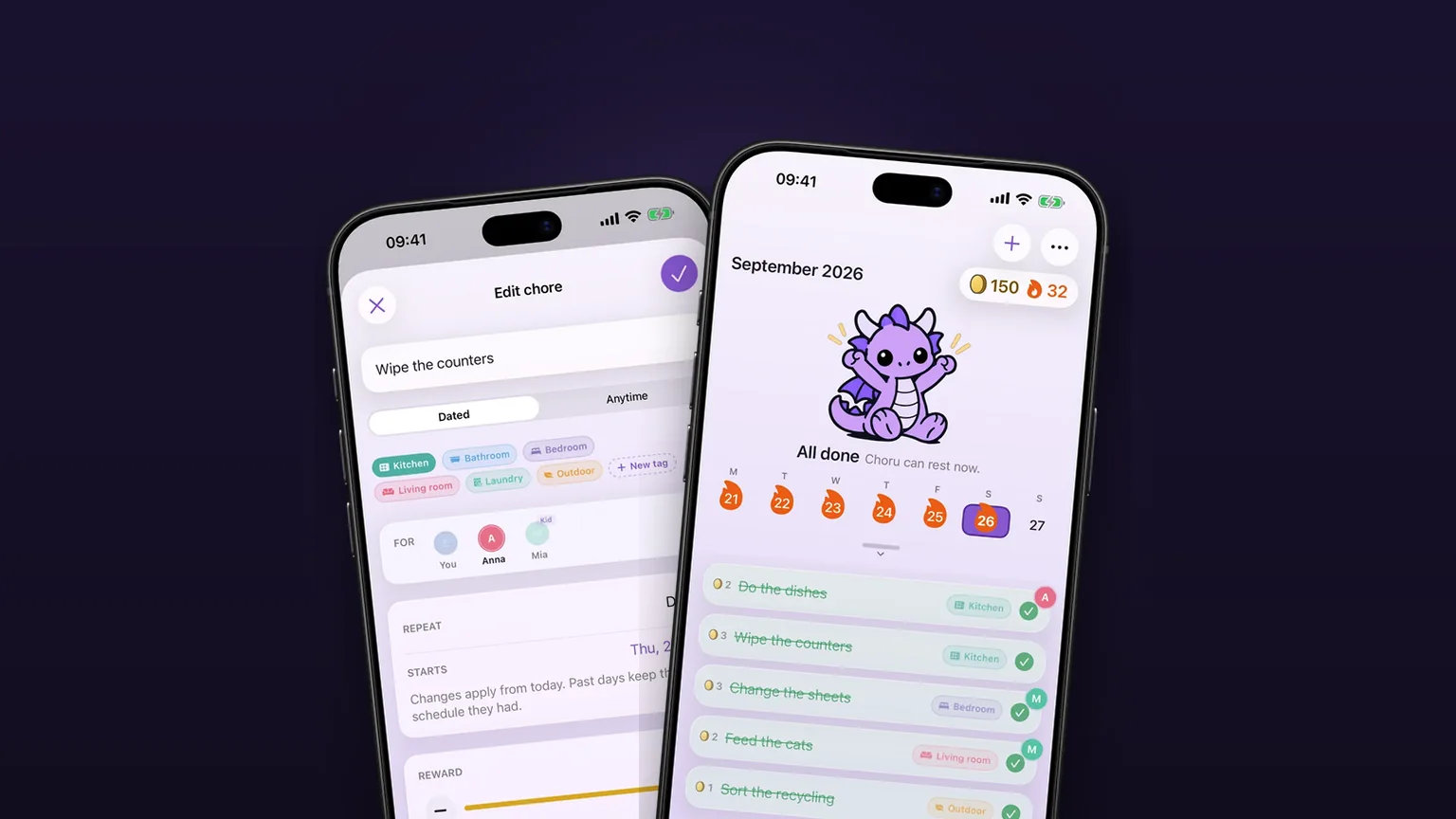
Anytime tasks that come back later
Jobs with no fixed date come back 1, 3, 6 or 12 months after you tick them off.
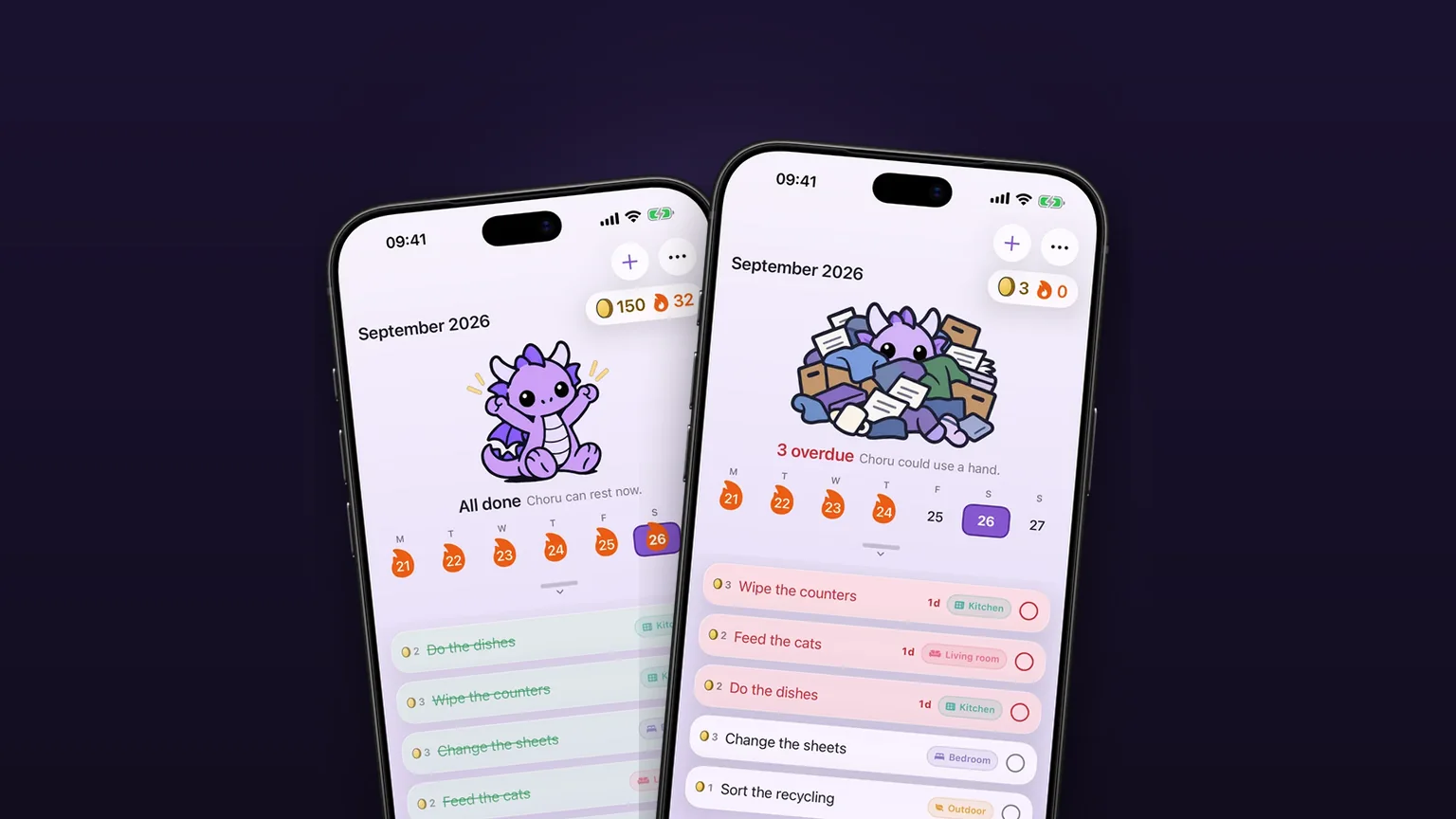
A chore calendar that shows what is due
A week calendar with the day's chores under it, and a month you can pull down to.
Repeats that fit real chores
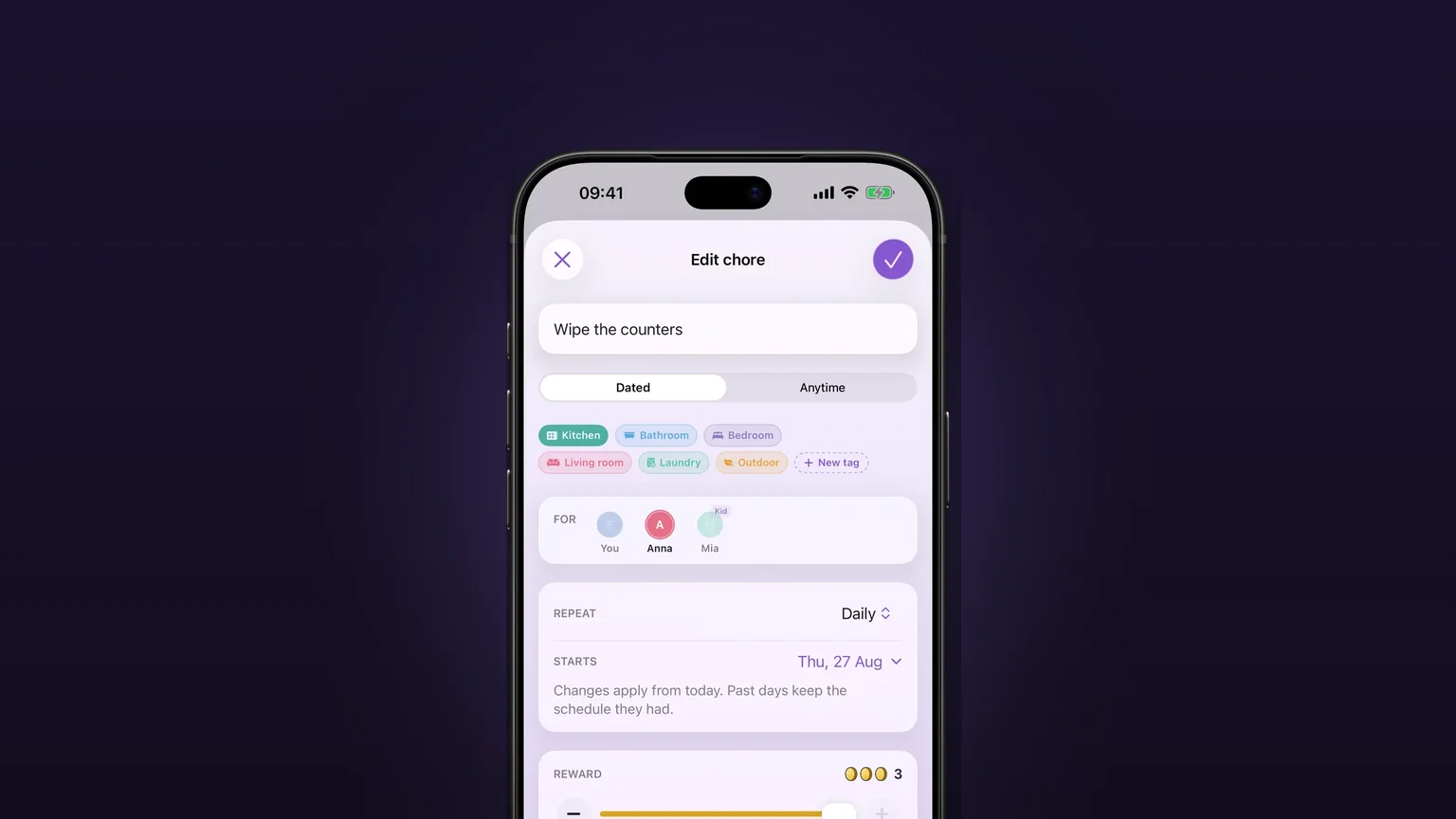
Daily, on set weekdays, weekly, monthly, quarterly, or every few days, weeks, months or years, with past days left alone when you change a schedule.